
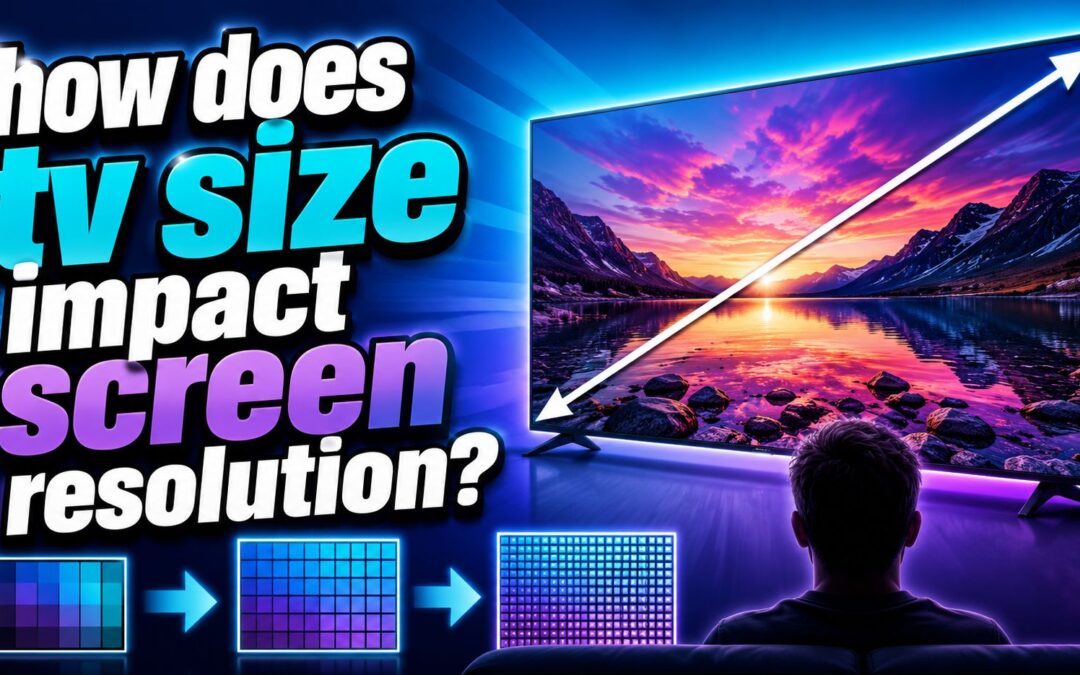
How does tv size impact screen resolution? The short answer is that TV size does not change the resolution itself, but it changes how clearly you can see that resolution. A 4K signal still contains the same number of pixels whether it appears on a 43-inch screen or a 75-inch screen.
What changes is pixel density. When the same number of pixels is spread across a larger display, each pixel covers more physical space. That can make softness, compression, or low-quality video easier to notice.
This is why a bigger TV is not automatically sharper. Screen size, resolution, viewing distance, content quality, and panel processing all work together to shape what your eyes actually perceive.
Understanding that relationship helps you choose a TV that looks crisp in your room instead of simply buying the largest model that fits your wall.
Resolution refers to the number of pixels in the picture. Common examples include Full HD at 1920 by 1080 pixels and 4K Ultra HD at 3840 by 2160 pixels.
Screen size refers to the diagonal measurement of the TV, usually listed in inches. It describes physical size, not picture detail.
A larger TV can make the same resolution look less dense because the pixels are spread over more surface area. This is called lower pixel density.
However, your viewing distance matters just as much. If you sit far enough away, your eyes may not detect individual pixels or small detail differences.
That is why a 55-inch 4K TV may look extremely sharp in a small room, while a 55-inch 1080p TV may look acceptable from farther across a larger room.
What Changes When TV Size Increases?
Pixel Density Drops
As TV size increases while resolution stays the same, pixels become physically larger and less tightly packed. This can reduce perceived sharpness, especially when you sit close to the screen.
Low-Resolution Content Looks Softer
Older broadcasts, DVDs, and low-bitrate streams can look more blurred on a large TV. The screen makes missing detail more obvious because the image has to be stretched across a bigger area.
Compression Artifacts Become Easier to See
Streaming video often uses compression to reduce file size. On larger screens, blockiness, banding, and smeared textures can stand out more than they would on a smaller display.
Upscaling Matters More
Most modern TVs enlarge lower-resolution video to fit the panel. A bigger screen makes the quality of that upscaling more important because weak processing can create halos, noise, or unnatural edges.
Fine Detail Feels More Immersive
When paired with high-quality 4K or 8K content, a larger TV can reveal more detail and create a stronger sense of depth. Size can improve immersion when the resolution is high enough.
Viewing Distance Becomes Critical
The closer you sit, the more likely you are to notice pixel structure or softness. The farther you sit, the more different resolutions can begin to look similar.
Perceived Sharpness Is Not Fixed
Sharpness depends on more than the resolution number printed on the box. Contrast, brightness, motion handling, source quality, and your seating position all influence the final image.
Screen Size Myths to Avoid
1. A larger TV does not automatically have better resolution because size and pixel count are separate specifications.
2. A 4K TV is not always visibly sharper if you sit too far away to notice the extra detail.
3. An 8K TV may offer limited benefit without true 8K content or a very large screen.
4. A smaller 1080p TV can look crisp when viewed from a normal distance in a compact room.
5. Poor streaming quality can make even an expensive high-resolution TV look disappointing.
Smart Buying Checks for Picture Clarity
- Screen Size: Choose a size that fits your room and seating distance instead of focusing only on the biggest option available.
- Native Resolution: Check whether the TV is Full HD, 4K, or 8K because native resolution sets the panel's real pixel count.
- Viewing Distance: Match the TV to how far you sit, since distance determines how much detail your eyes can resolve.
- Content Sources: Consider whether you mainly watch 4K streams, cable TV, gaming, Blu-ray discs, or older low-resolution content.
- Upscaling Quality: Look for reviews that discuss how well the TV handles 720p, 1080p, and compressed streaming sources.
- Panel Quality: Brightness, contrast, color accuracy, and motion handling can affect clarity as much as resolution does.
- Room Layout: Wall size, seating angle, lighting, and eye level all influence how sharp and comfortable the screen feels.
Viewing Distance and Resolution Choices
Small Rooms Favor Higher Density
In bedrooms, offices, and compact apartments, viewers often sit close to the TV. A higher-resolution screen can help maintain crisp detail because the pixels are less noticeable at shorter distances.
Large Rooms Can Support Bigger Screens
In a spacious living room, a bigger screen may feel natural because viewers sit farther away. At that distance, a 65-inch or 75-inch 4K TV can look clean and cinematic without appearing pixelated.
4K Is the Practical Sweet Spot
For most buyers, 4K offers the best balance of detail, price, and available content. It is widely supported by streaming platforms, game consoles, Blu-ray players, and modern TV broadcasts.
1080p Still Works in Some Cases
Full HD can still look good on smaller screens or from longer distances. It may be enough for guest rooms, kitchens, budget setups, or users who mainly watch standard cable programming.
8K Needs the Right Setup
An 8K TV has many more pixels than 4K, but the improvement is most noticeable on very large screens viewed from relatively close positions. Without suitable content, the benefit depends heavily on upscaling.
Gaming Adds Another Layer
Gamers should consider resolution alongside refresh rate, input lag, and console or PC performance. A large 4K TV can look excellent, but smooth motion and responsive controls are also essential.
Your Eyes Set the Limit
Human vision has practical limits. Once you sit far enough away, extra pixels become harder to distinguish, so spending more on resolution may matter less than improving contrast, size, or overall panel quality.
TV size does not directly change screen resolution, but it strongly affects how that resolution appears. The same pixel count can look sharp on one screen size and softer on another.
The key idea is pixel density. Bigger screens need more pixels, better processing, or greater viewing distance to maintain the same sense of clarity.
For most homes, a 4K TV is the best match for medium and large screens. Smaller TVs can still look good at 1080p, while 8K makes the most sense for very large premium setups.
The best choice is not just the largest TV or the highest resolution. It is the combination that fits your room, your content, and the way you actually watch.
FAQs About how does tv size impact screen resolution?
Does a bigger TV have better resolution?
Not necessarily. A bigger TV only has better resolution if its pixel count is higher. Screen size measures physical dimensions, while resolution measures image detail.
Why can a large 1080p TV look blurry?
A large 1080p TV spreads the same number of pixels over a bigger surface. This lowers pixel density, so edges and fine details can appear softer, especially up close.
Is 4K enough for a 75-inch TV?
Yes, 4K is usually enough for a 75-inch TV when viewed from a normal living room distance. Source quality and upscaling still matter for the best result.
Does sitting closer make resolution more important?
Yes. The closer you sit, the easier it is to see pixel structure, softness, and compression. Higher resolution is more useful at shorter viewing distances.
Can upscaling improve low-resolution content?
Upscaling can make low-resolution content fit a 4K or 8K screen more cleanly, but it cannot create the same detail as a true high-resolution source.
Should I buy 8K instead of 4K for a big TV?
Only in specific cases. 8K may help on very large screens or premium setups, but most viewers get better value from a high-quality 4K TV.